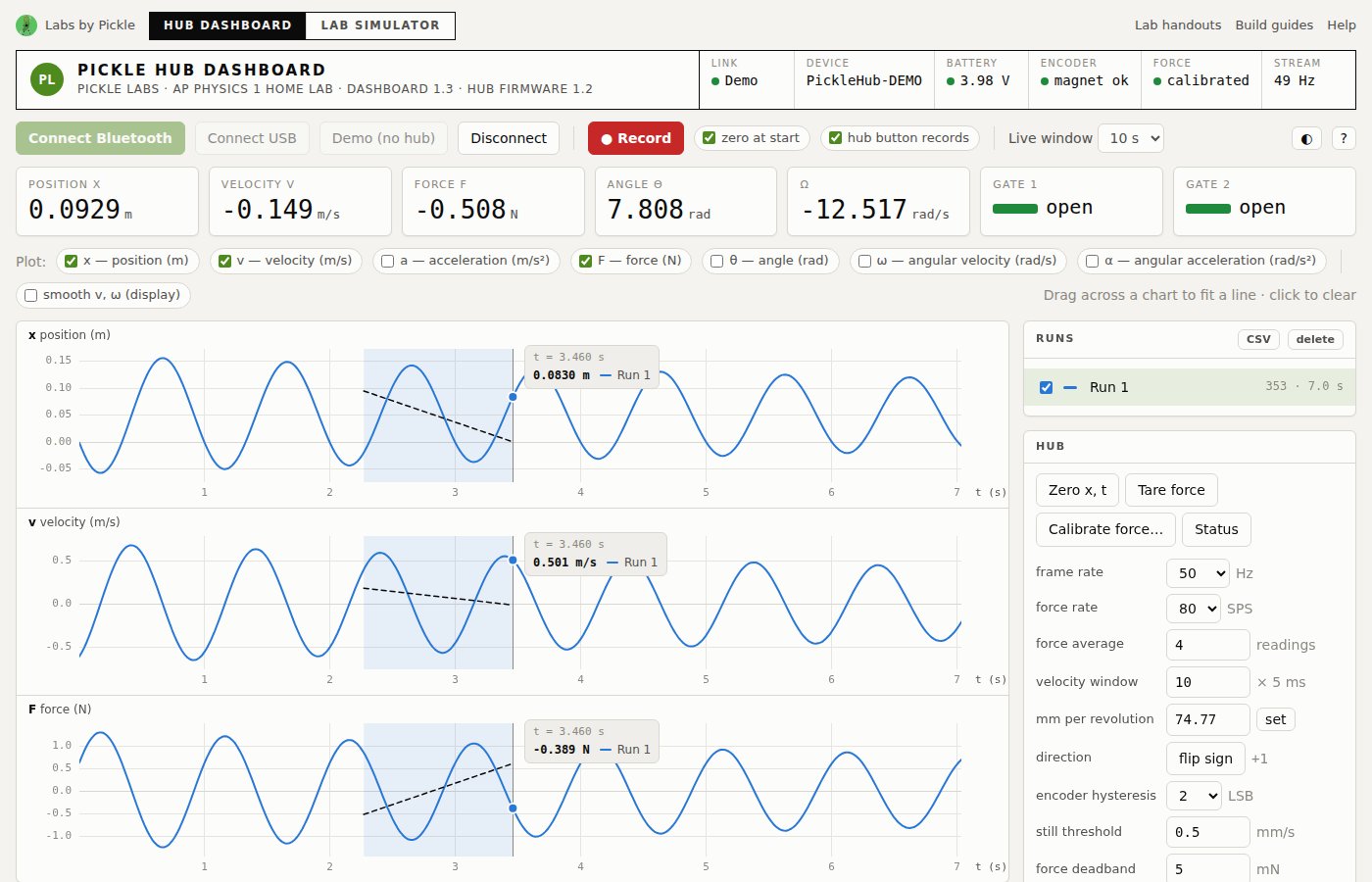
Live graphs from the Pickle Hub.
Position, velocity, acceleration, force, angle and angular velocity streamed at 50 Hz and recorded into runs. Overlay runs in their own colours, drag across any chart to get Δ, mean and a least-squares slope with r², or switch to Pick points and click the graph: two points on v–t give the calculated acceleration a = Δv/Δt with the numbers shown. Export one run or several at once — stacked, side by side, or one file each. The Hub panel tares and calibrates the force sensor, sets mm per revolution, stream rate and encoder hysteresis. No hub yet? Press Demo and a simulated cart bounces between two springs.
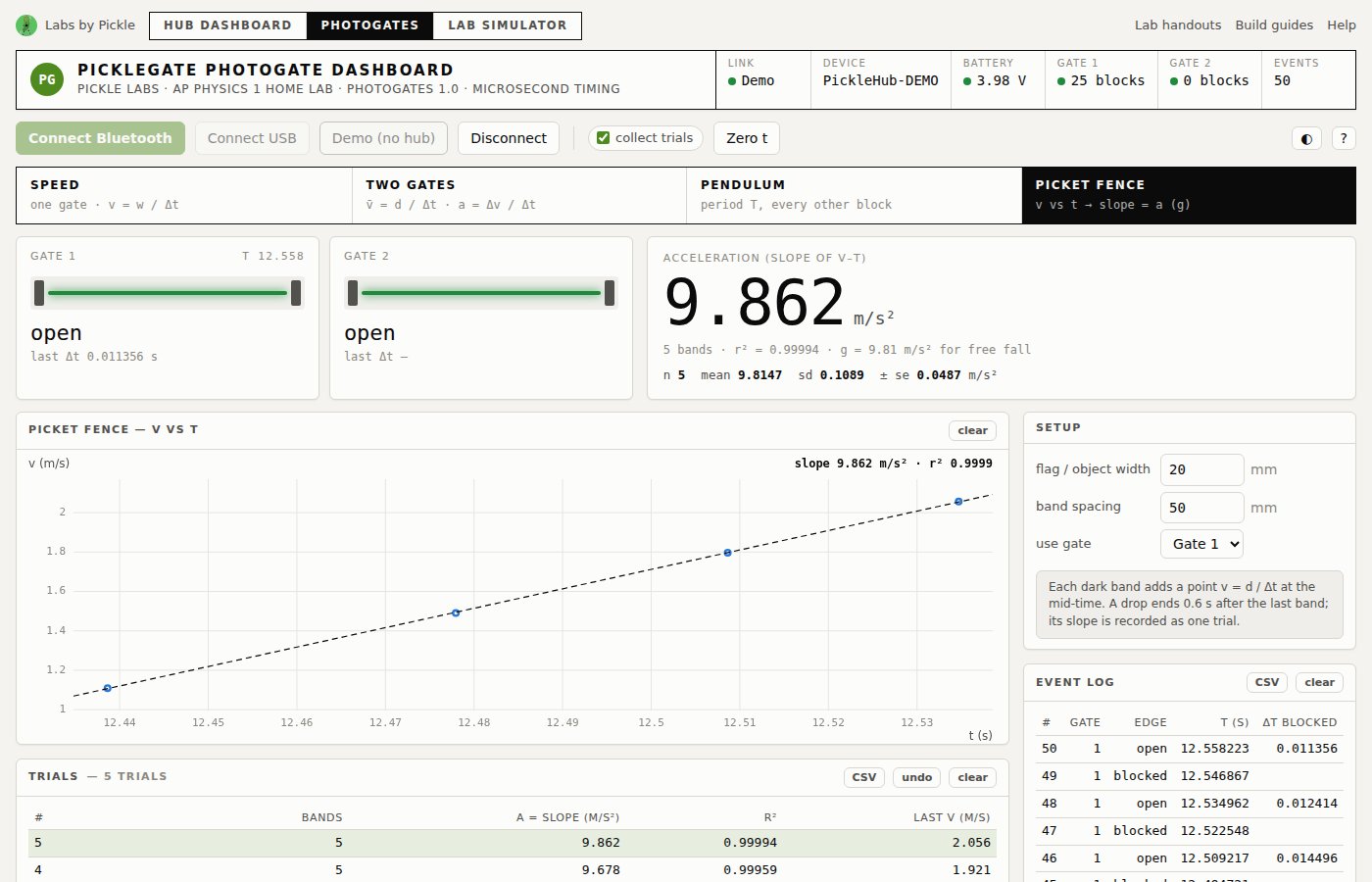
Velocity, acceleration, period and g.
A dashboard just for the PickleGate forks, with four modes: Speed through one gate (v = w / Δt), Two gates for average speed and acceleration with rail and launcher presets, Pendulum period against the 2π√(L/g) prediction, and a Picket fence whose v–t slope is g. Every trial lands in a table with mean, standard deviation and standard error, and exports to CSV. Live beam bars show each gate blocking in real time, and a demo simulates each experiment.
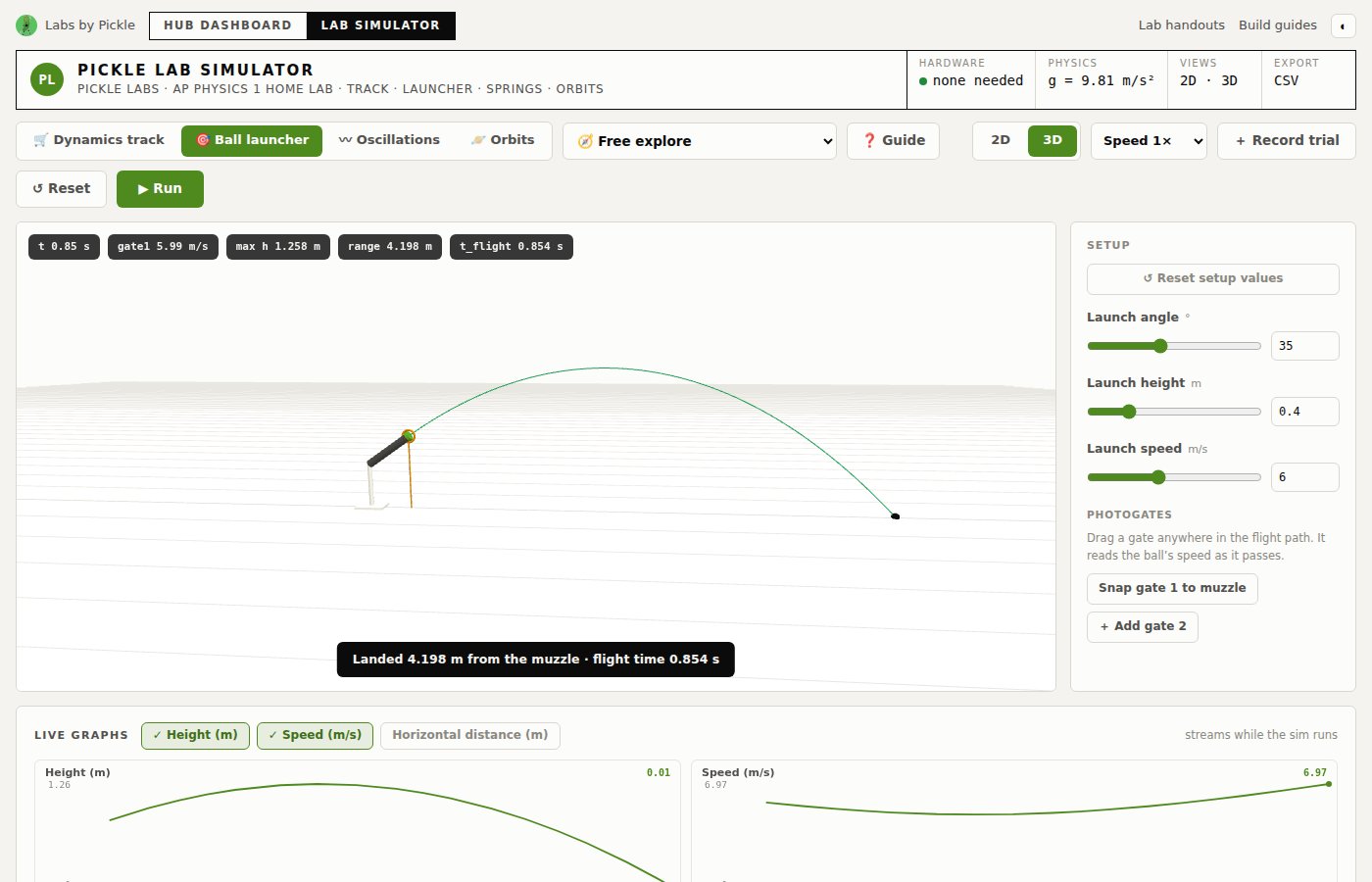
Run the lab before the hardware arrives.
A physics bench in 2D and 3D: a dynamics track with incline, friction, pulley and spring launcher; a ball launcher with draggable photogates; oscillations; and orbits. Set the variables, press Run, record trials and fit a line through them — the same analysis students do with the real cart, in the same drafting-sheet look as the dashboard, light or dark.

Why simulate? Students can plan an experiment, predict the result and practise the analysis at home or on a Chromebook — then confirm it with the real kit. Labs in the simulator hide one value (a friction coefficient, a spring constant, a launch speed) so the slope of the student’s own graph is the answer.